Smart Planning
Smart Planning is an intelligent shift planning and employee management system designed for retail stores. It automatically generates optimal weekly schedules based on business rules, employee availability, skills, and budget constraints — with drag-and-drop manual editing support.
// Project Overview
Smart Planning transforms workforce management with an AI-driven scheduling engine that considers employee skills, availability, labor laws, and budget constraints. Managers can view timeline-based daily plans, lock approved shifts, and switch between Protective, Balanced, and Aggressive planning modes to optimize staffing levels.
// The Problem
Retail managers spend hours manually creating weekly shift schedules, juggling employee preferences, skill requirements, labor regulations, and budget limits. Mistakes lead to understaffing, overtime costs, and employee dissatisfaction.
// The Solution
An auto-scheduling engine that generates optimal plans with one click, respecting all constraints. Managers can fine-tune with drag-and-drop, lock approved shifts, track budget in real-time, and get instant validation against business rules.
// Key Features
Auto Scheduling
One-click optimal schedule generation based on rules, skills, availability, and budget constraints.
Budget Management
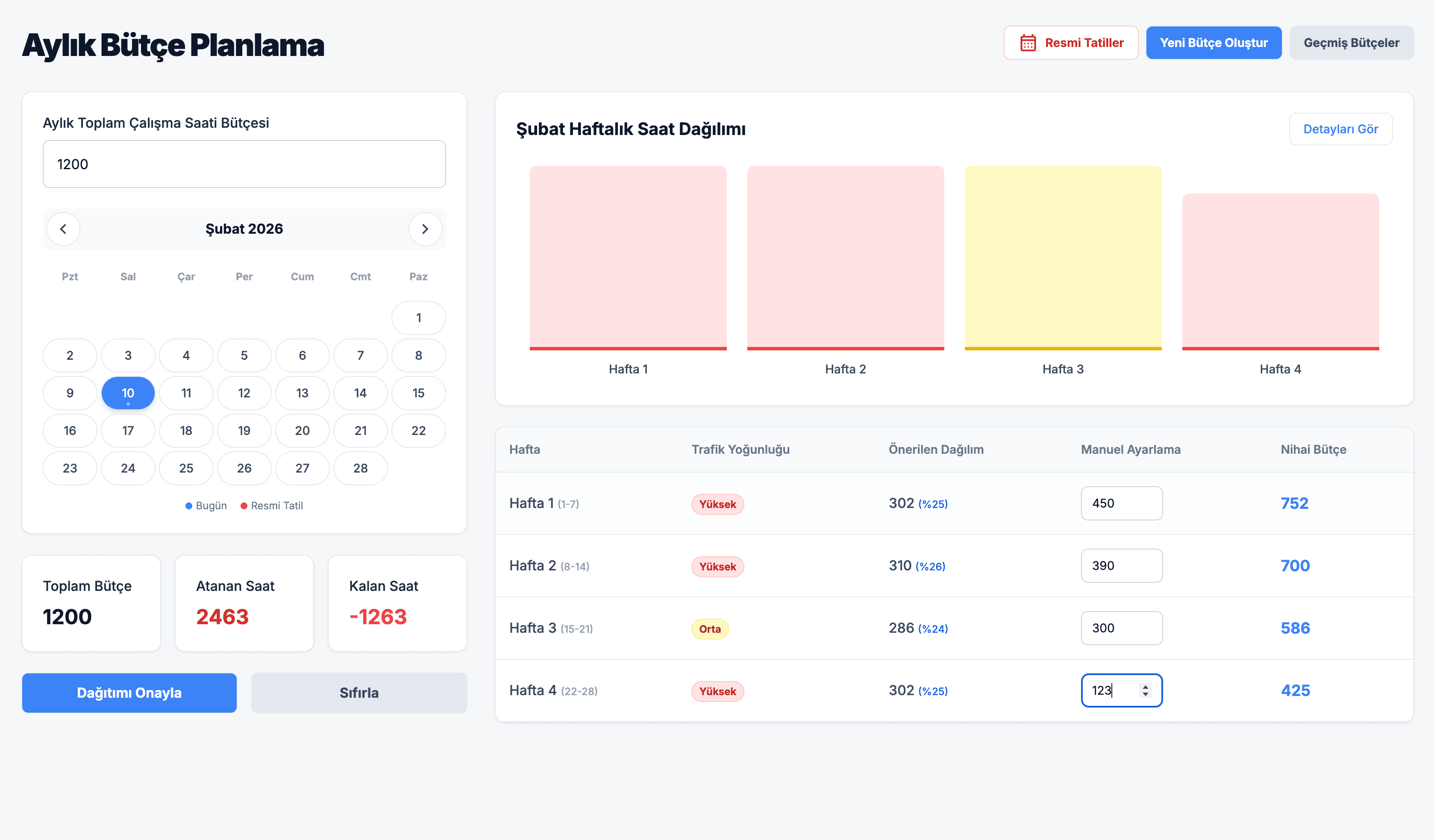
Real-time weekly hour budget tracking with distribution across departments and planning modes.
Employee Management
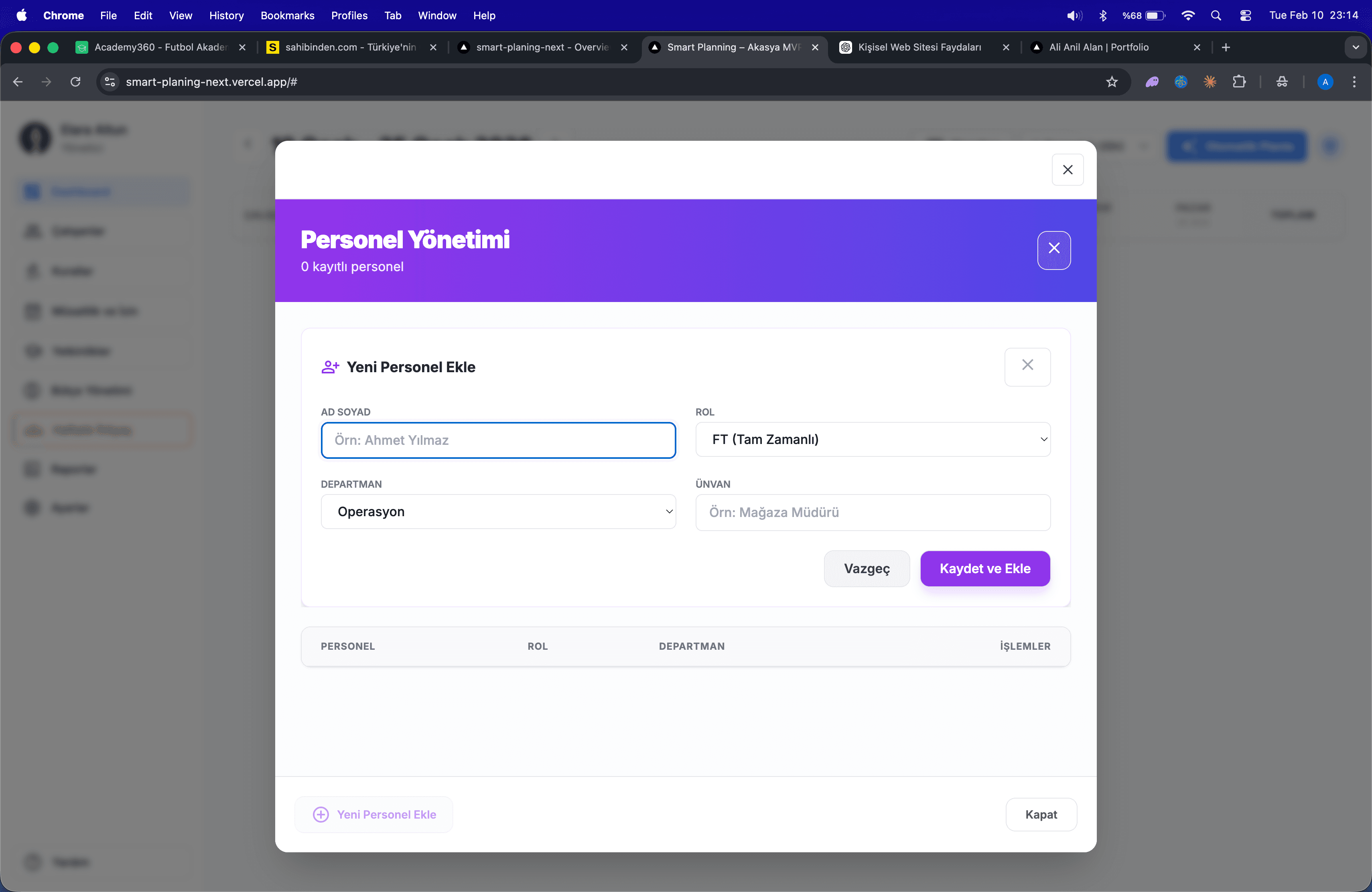
Complete personnel management with skills, departments, availability, and leave tracking.
Timeline View
Daily detailed shift visualization with drag-and-drop editing and shift locking.
// Up Next
Gözcü
Enterprise-grade inventory, equipment failure, and maintenance management system (mini-CMMS).
> Explore Case